Sharp as
a Shark!
Understand your proportions.
Find your next look.
See the details. Compare your options. Leave with a plan.
Explore LooksharkMade for iPhone & iPad
Gap ÷ average eye width
See the proportions
Explore your options
Make it your own
A closer look.
A clearer next step.
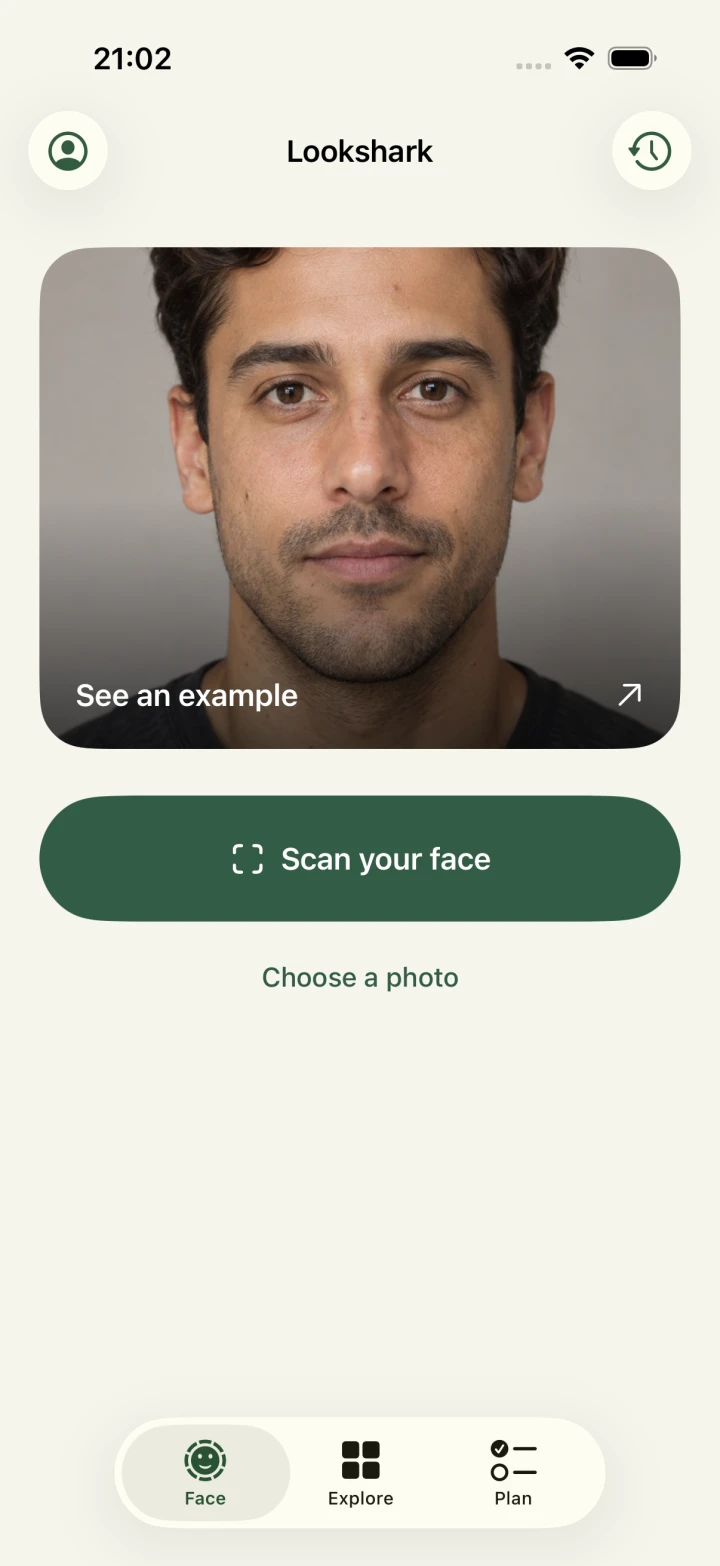
Scan your face.
Follow the face guide and hold steady. Lookshark captures automatically when you’re in position.
Explore your proportions.
Tap a feature to see its outline, measurement and formula. Every number connects to a line on your photo.
Build your plan.
Choose your next steps, keep notes and share a clear styling brief. Save your scans to compare the result.
Small changes.
A different look.
Hair, brows, facial hair. Explore visual references and see how styling changes the overall impression.
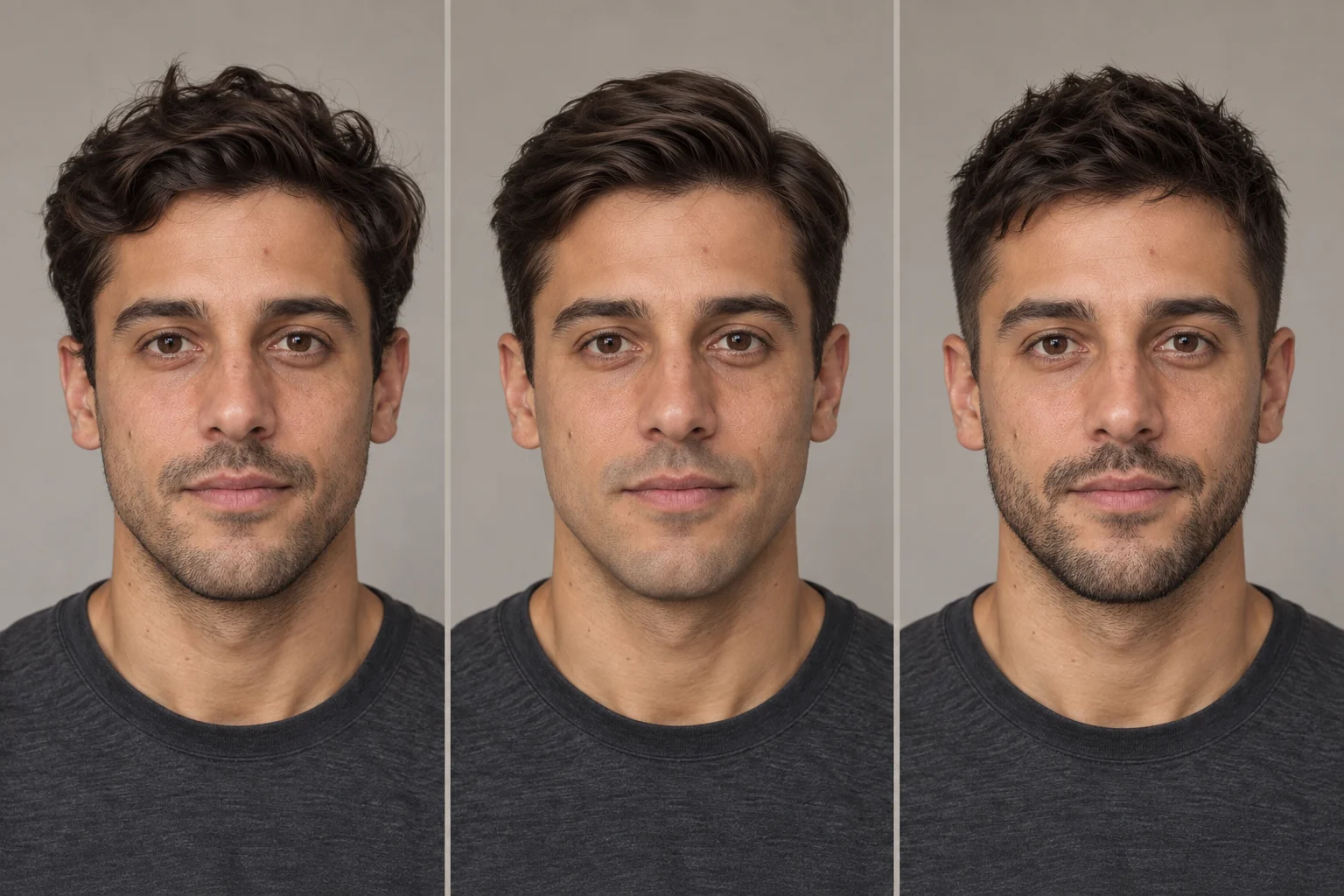
Curious first? Browse the atlas before you scan.
Meet your next lookYour face.
Your phone.
Face landmark analysis runs on your device. Your scans stay in your local history, where you can revisit or delete them.

Your next look
starts here.
Coming to iPhone & iPad.
In developmentExplore the face mapWhen can I download Lookshark?
We’re building and testing Lookshark for iPhone and iPad. The App Store link will be available here when it launches.
What does the face map show?
Lookshark traces your eyes, brows, nose, lips and face outline. It measures eye spacing, nose width relative to the eye gap, and mouth width relative to the nose. See the formulas and a worked example.
Can I try it without uploading a photo?
Yes. Select Eyes, Nose or Lips in the face map above to explore the measurements.
How will Lookshark be priced?
We’re preparing Lookshark as a one-time paid app. Face scans, saved comparisons, the visual atlas and your plan will be included. The launch price will appear here with the App Store link.
Will I be able to compare photos?
Yes. Save two scans and slide between them. Lookshark aligns the photos at the eyes so you can compare the framing and see the measurements side by side.